↔️
Train by swipe
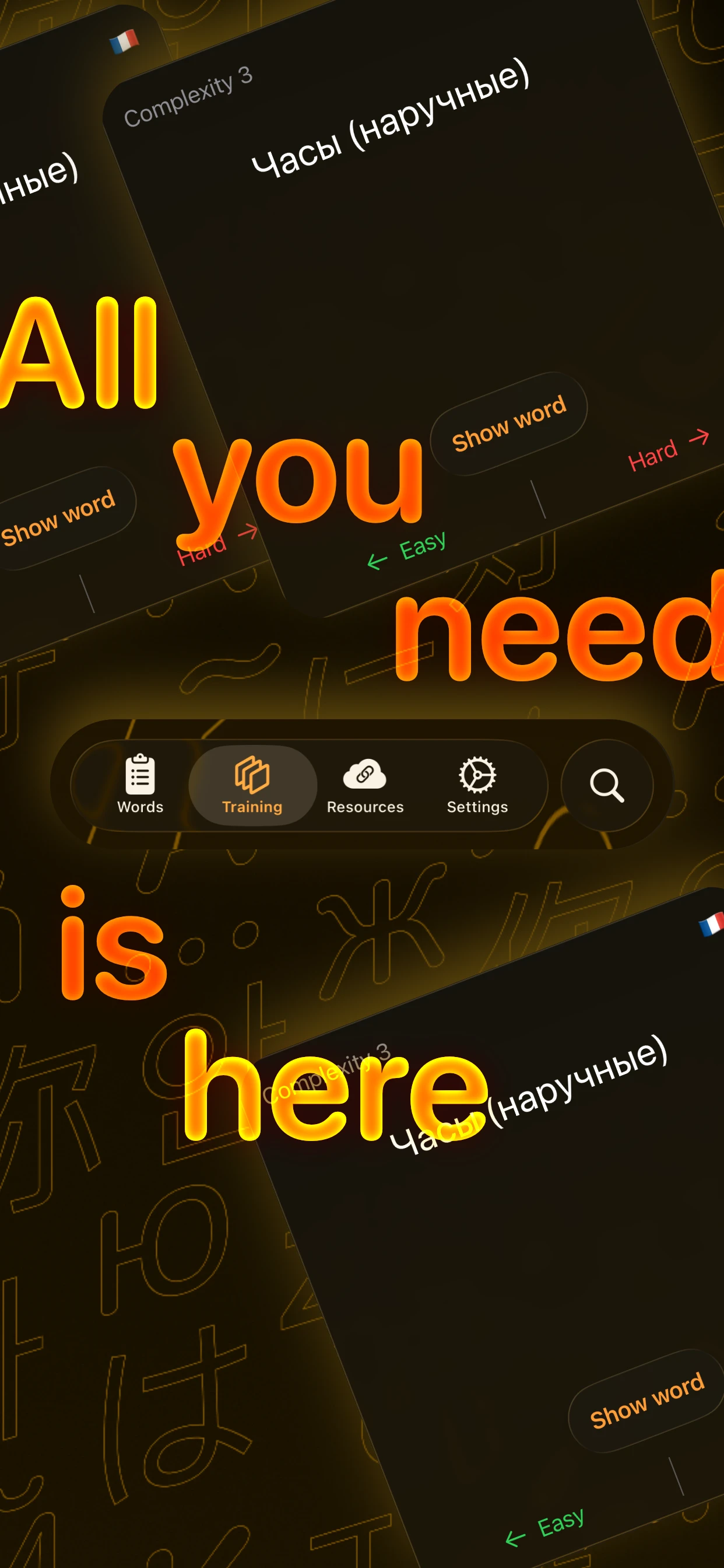
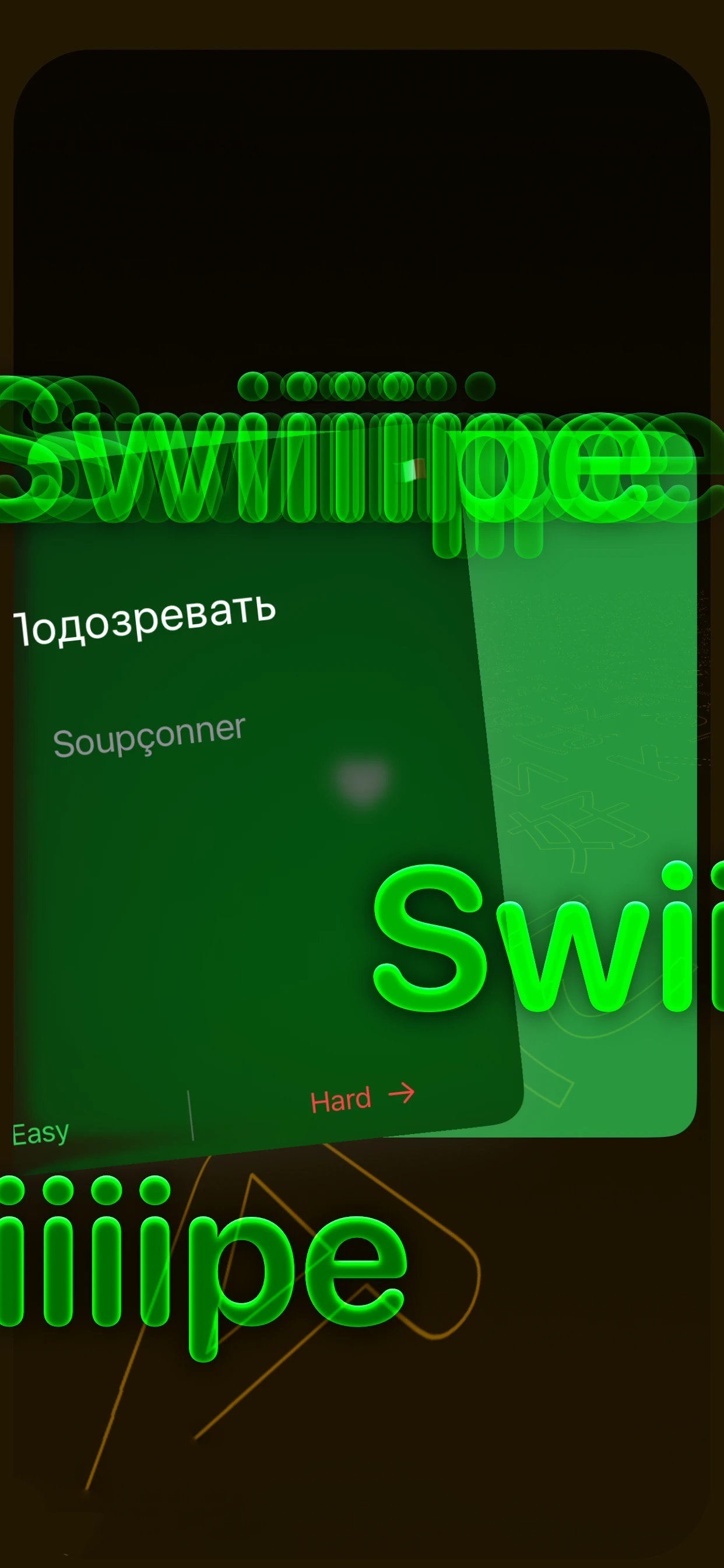
Tap to reveal the translation, then swipe right for Hard or left for Easy. Cards you struggle with come back more often — adaptive flashcard training, no manual scheduling.
 LexiSwipe
Get the app
LexiSwipe
Get the app
LexiSwipe is a free iOS flashcard app for learning foreign-language vocabulary. Add a word with its translation, swipe to train, and let iCloud quietly keep everything in sync across iPhone, iPad and Mac — no account, no ads, no subscription.
A focused vocabulary trainer for iPhone and iPad — no streaks, no gems, no nag screens, no subscriptions.
Tap to reveal the translation, then swipe right for Hard or left for Easy. Cards you struggle with come back more often — adaptive flashcard training, no manual scheduling.
Sign in to iCloud and you’re done. Your words, comments and ratings stay perfectly in sync across iPhone, iPad and Mac via Apple’s CloudKit — nothing to configure.
Add an example sentence, a comment, a usage note or a grammar reminder to every translation. Real memory comes from real context.
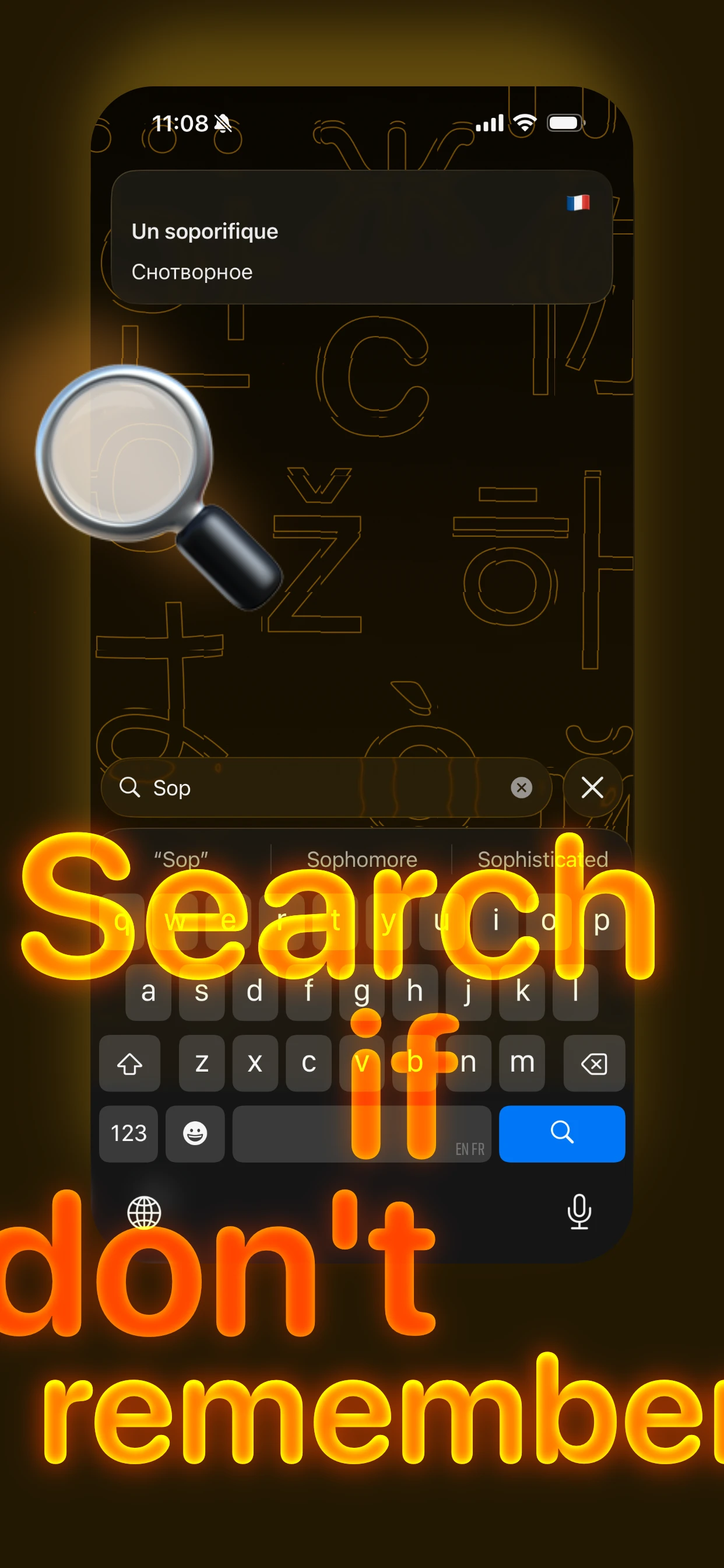
Forgot a word you added last month? Type a few letters and find it instantly across your entire vocabulary library.
Keep your favourite dictionaries, grammar guides and reading links one tap away in the Resources tab.
English, French, Russian, Spanish, German, Italian, Japanese, Korean, Mandarin Chinese, Arabic — anything you can type. The app is also localised in EN, FR and RU.
Glassy SwiftUI design with rich haptics and smooth animations. It feels like a native iOS app because it is one.
No accounts. No tracking. No third-party analytics. Your vocabulary lives in your iCloud and only there.
Drag the card to feel how swipe-based training works in LexiSwipe.
Drag the card · or tap and drag with your mouse
Type the foreign word, its translation and an optional comment with context or an example sentence.
Open Training and start swiping. Each card carries an adaptive complexity rating that updates with every swipe.
Your iPad continues exactly where your iPhone left off. Thanks, iCloud.
LexiSwipe stores your flashcards in your private iCloud (CloudKit) database. Add a word on your iPhone in the metro, review it from your Mac at the desk, polish it on your iPad on the couch. Nothing to set up. Nothing to log into. It just works.
LexiSwipe is an open-vocabulary flashcard app — you decide what to put on each card. A few of the things people actually do with it:
Building targeted lexicon for TOEFL, IELTS, Cambridge, DELF, DALF, TestDaF, HSK, JLPT or TOEIC — at your own pace, with your own examples.
Capture every new word you meet while reading a foreign-language novel, article or subtitle, with the sentence it came from for context.
Memorise the lexicon of your field — medical, legal, technical, business, aviation, culinary or scientific terminology — in any source/target language pair.
Assemble a small, targeted vocabulary before a trip: greetings, food, directions, emergencies — and review it on the plane, offline.
Keep all your languages in a single private library and switch between them without juggling apps or accounts.
Move your handwritten vocabulary notebook to a synced, searchable, never-lost library that follows you across every Apple device.
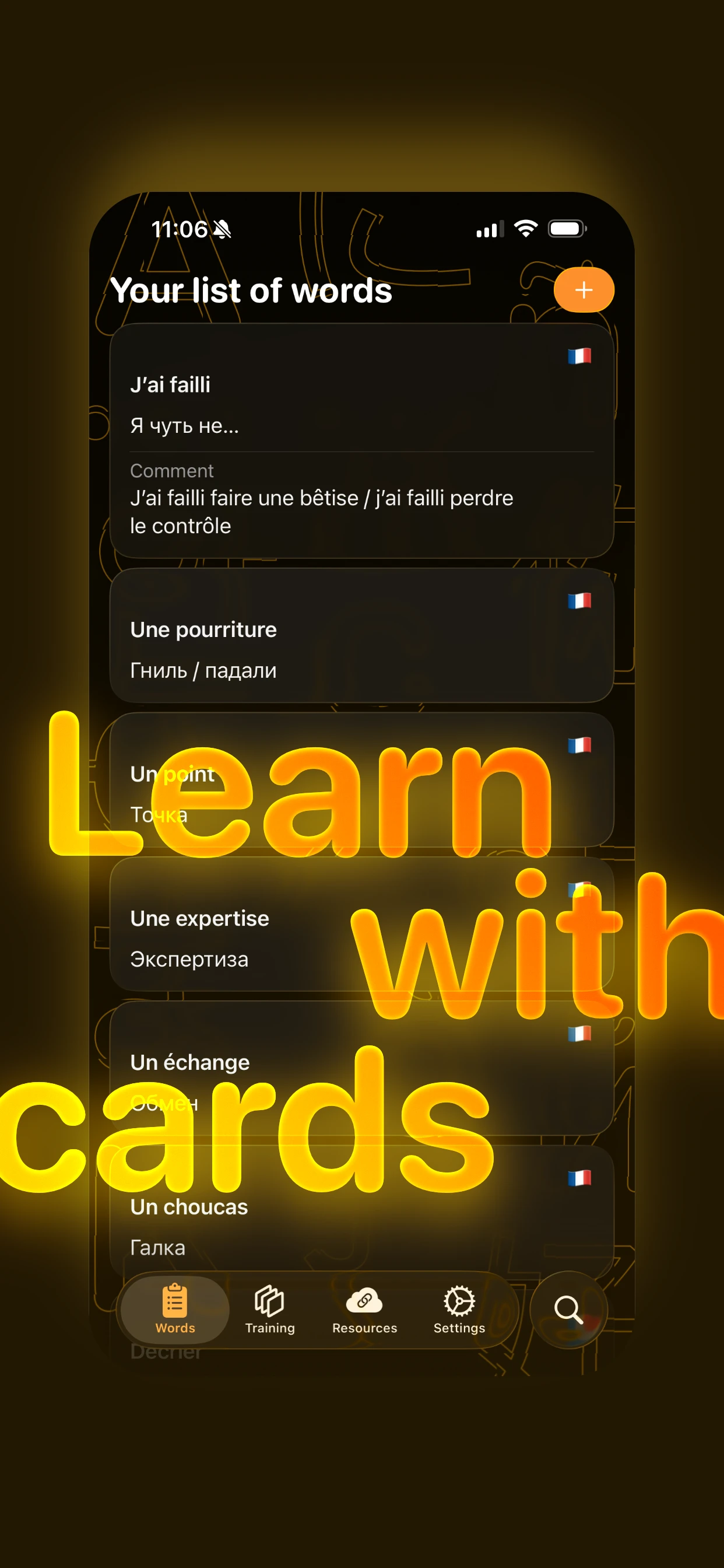
Word lists, swipe training, search and a curated Resources tab.
Yes. The app is completely free. No ads. No subscriptions. No hidden in-app purchases. No premium tier. It’s a passion project by an independent iOS developer.
Yes — automatically, through iCloud (CloudKit). As long as you’re signed in to the same Apple Account, your words and progress travel with you. Nothing to configure.
Any language you can type. LexiSwipe doesn’t lock you to a curriculum — you add your own words with translations and comments, so it works for English, French, Spanish, Russian, German, Italian, Portuguese, Dutch, Japanese, Korean, Mandarin Chinese, Arabic, Hebrew and any other language pair.
No. There are no accounts and no third-party servers. LexiSwipe uses your existing Apple Account / iCloud, which keeps your data private and yours.
Yes. You can add, edit, search and train fully offline. Synchronisation happens automatically when your device reconnects to the internet.
LexiSwipe uses an adaptive complexity rating per card: cards you mark Hard reappear more often, cards you mark Easy reappear less often. It is not the SM-2 algorithm, but it follows the same difficulty-driven scheduling principle.
Yes. Because the vocabulary is entirely user-supplied, LexiSwipe is well-suited for building exam-specific lexicon at your own pace, with your own examples and translations.
Yes. Every flashcard has an optional comment field for example sentences, usage notes, etymology or grammar reminders. Context is the fastest path to real memory.
No. There is no third-party analytics SDK, no advertising identifier, no tracking across apps. Your vocabulary lives only in your private iCloud database.
iPhone and iPad running iOS or iPadOS 16 or later. The iPad app also runs on Apple Silicon Macs through Apple’s iPad-apps-on-Mac mechanism.
No. LexiSwipe is an Apple-only application built natively in SwiftUI for iOS, iPadOS and Apple Silicon Macs.
No. There is no analytics, no tracking, no third-party server. Your vocabulary lives only in your private iCloud (CloudKit) database.
Free, beautiful, private. Your future polyglot self will thank you.
Download on theApp Store